
A different gesture for every app
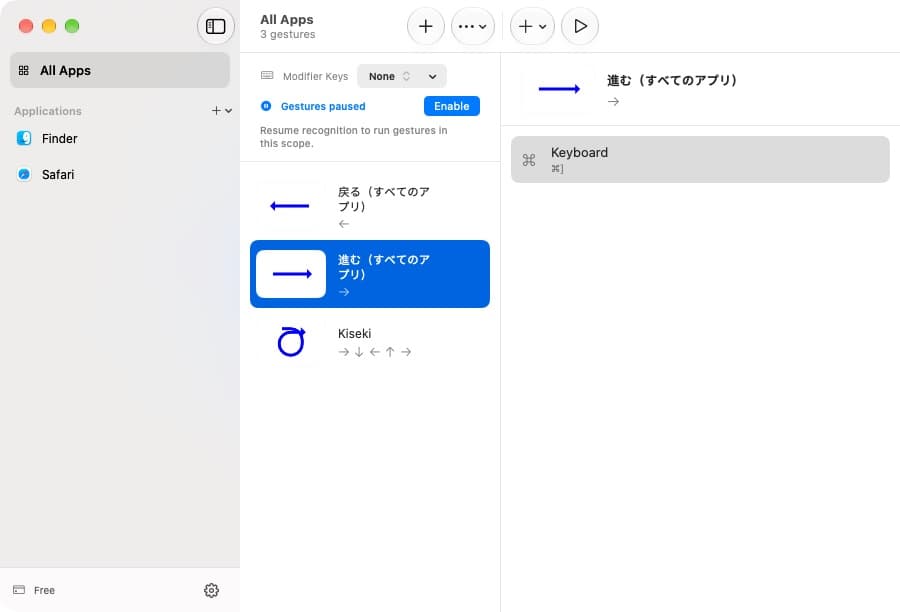
Keep global shortcuts, then make Finder and Safari your own.
Turn familiar mouse movements into everyday shortcuts. Made for your Mac, and the way you work.
macOS 26 or later · Free to start
Hold the right mouse button, draw a gesture, and let go. Your next action is one small move away.
Draw here, or choose an example.
A preview. No actions run on your Mac.
Go back · ⌘[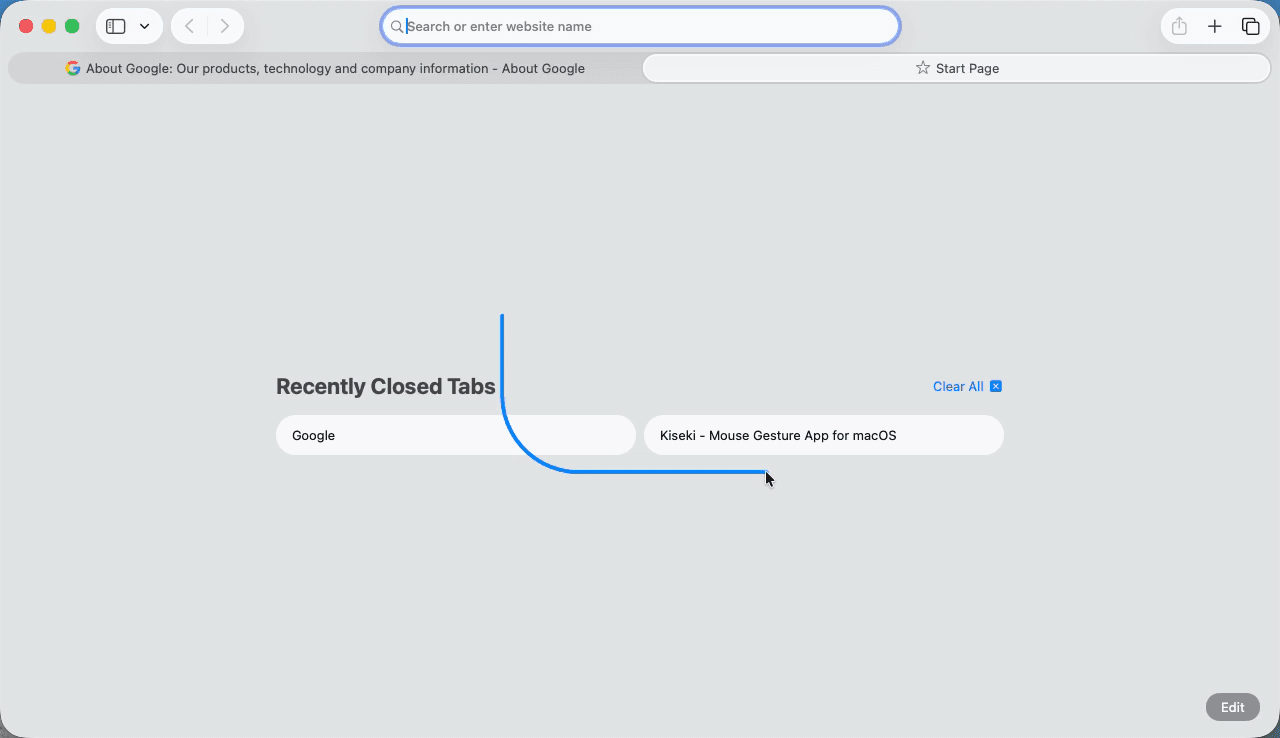
Keep global shortcuts, then make Finder and Safari your own.
Keys, macOS Shortcuts, window actions, apps and links.
Gesture recognition and your rules stay local.
Every gesture action is included. Go Pro for unlimited app profiles.
$0
For your everyday essentials
US$9.99
per year
US$21.99
one-time payment
Secure checkout with Lemon Squeezy. Taxes may apply. 30-day money-back guarantee.
Download Kiseki, allow Accessibility, and try your first gesture.
All gesture actions, global rules, and preset import/export. Free supports 3 app profiles, including Finder and Safari; Pro removes that limit.
Kiseki requires macOS 26 or later and supports Apple silicon and Intel Macs.
Accessibility is required to recognize gestures. Other permissions depend on the actions you choose; Kiseki explains them when needed.
Recognition and gesture settings stay on your Mac. Configured app releases may send scrubbed crash reports. Gesture content, shortcuts, clipboard contents and license keys are excluded. This website uses aggregate Cloudflare analytics. See the Privacy Policy.
After purchase, enter the key from your Lemon Squeezy receipt in Kiseki > Settings > License and choose Activate. Free needs no key.
Pro can be activated on up to 5 Macs you own. Deactivate an old Mac before moving a seat. Cancel yearly renewal through your receipt; deactivating a Mac does not cancel the subscription.